Complete Online Training
Published: 2022-06-30 Revised: 2026-08-04
To complete the online training:
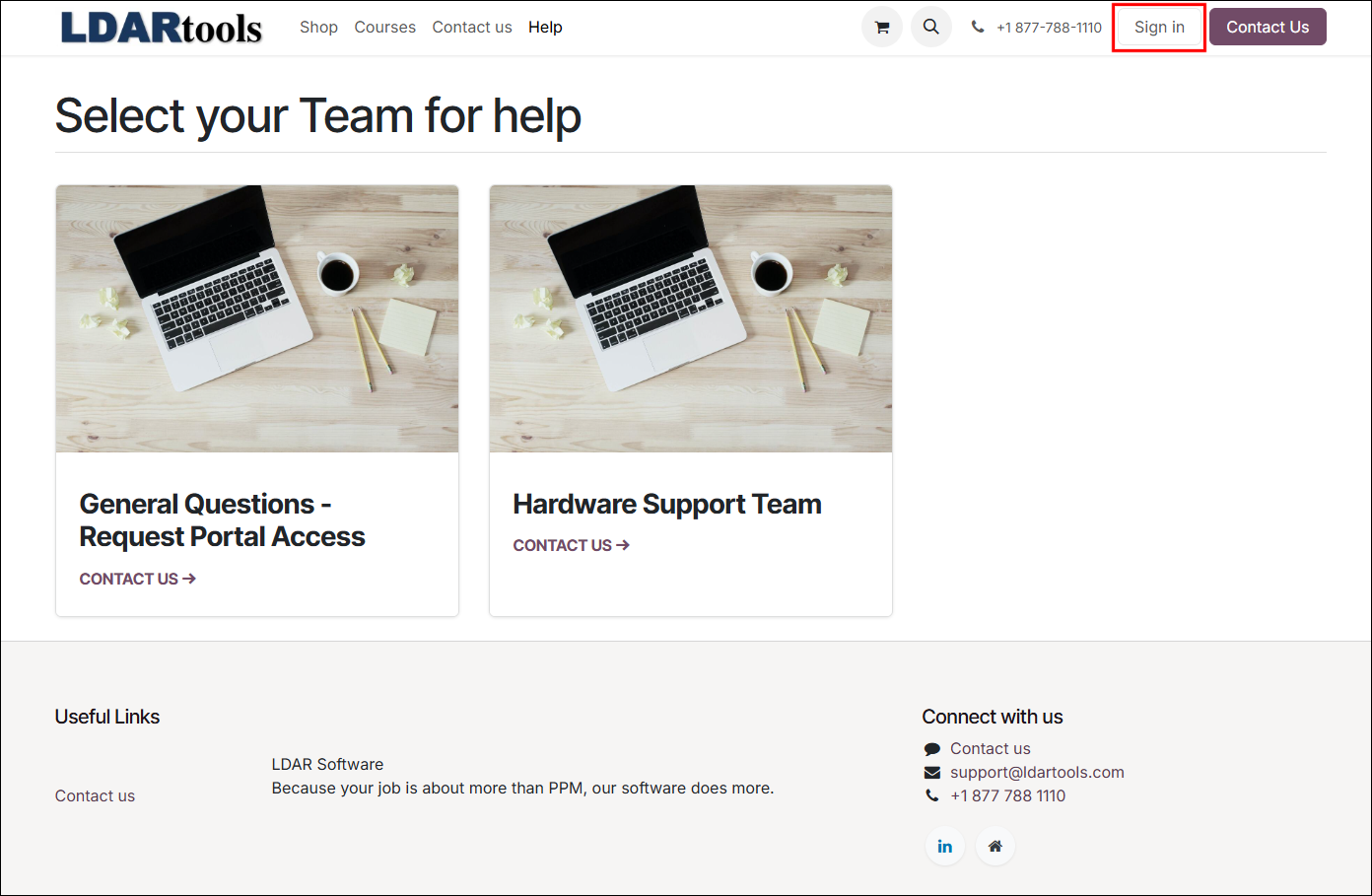
- Go to: LDARtools.com > Support > Customer Portal.
- Click Sign In at the top-right of the page.
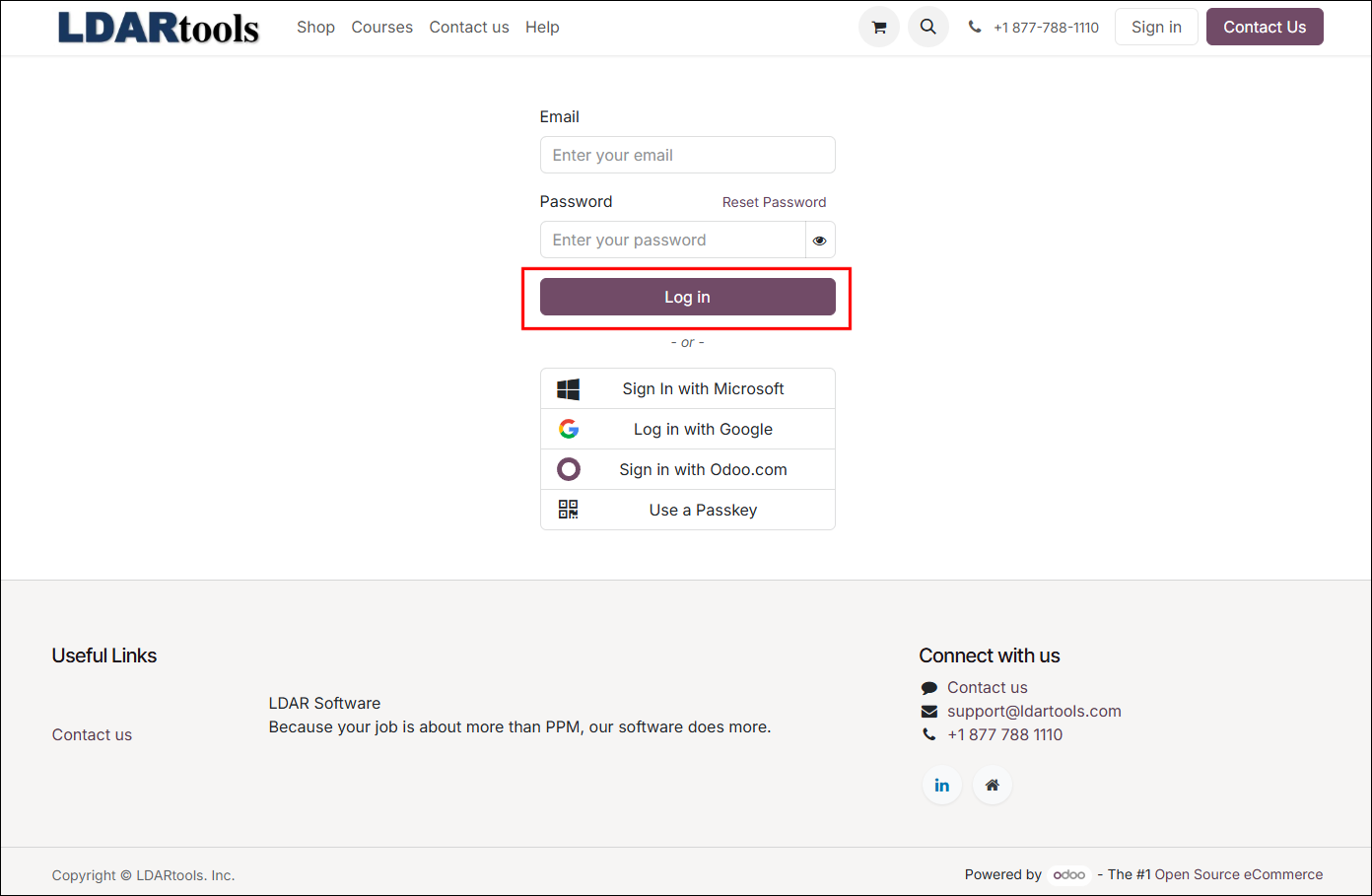
- Enter your credentials.
- Click Log In.
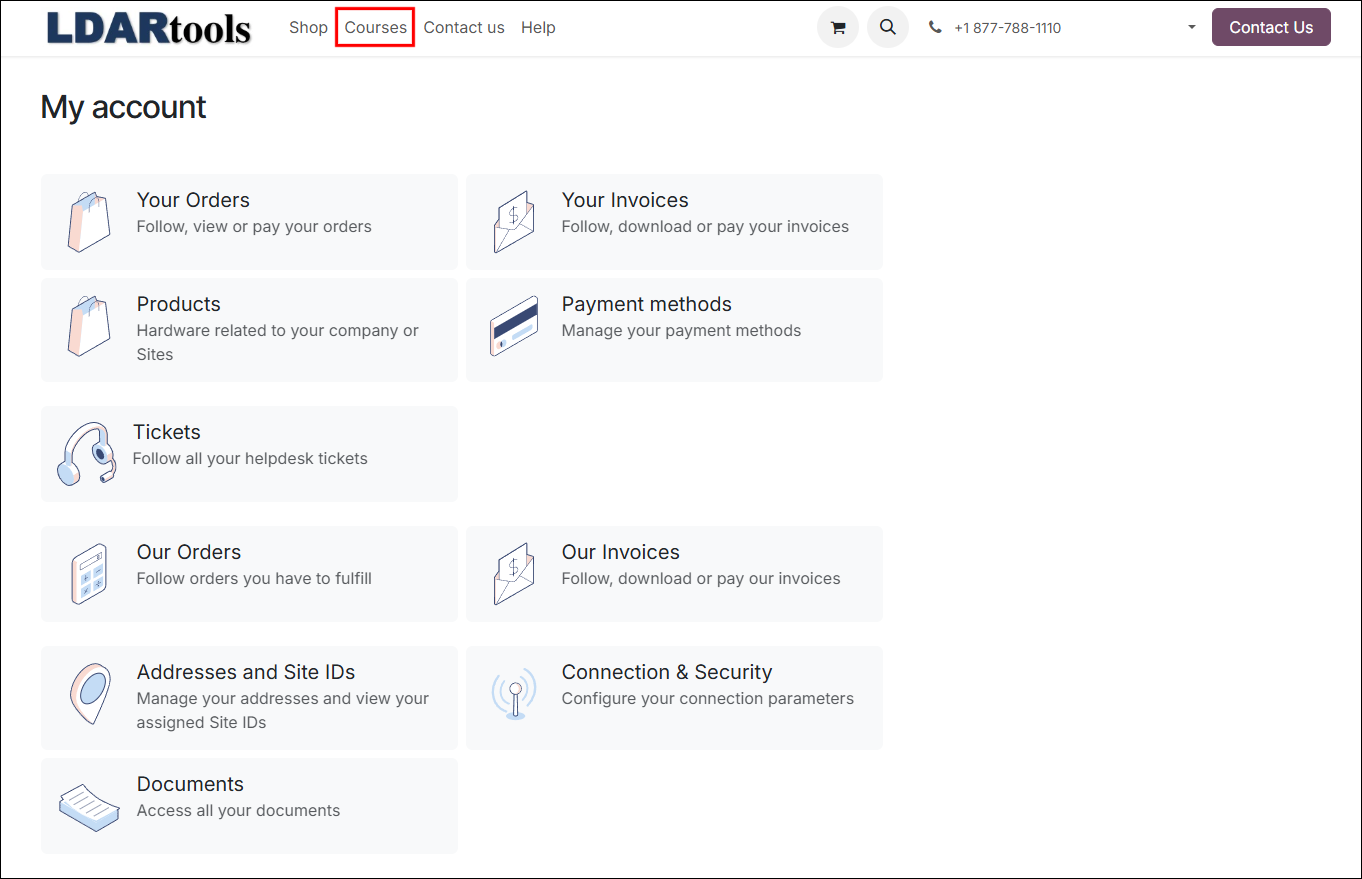
- Click Courses tab at the top of the page.
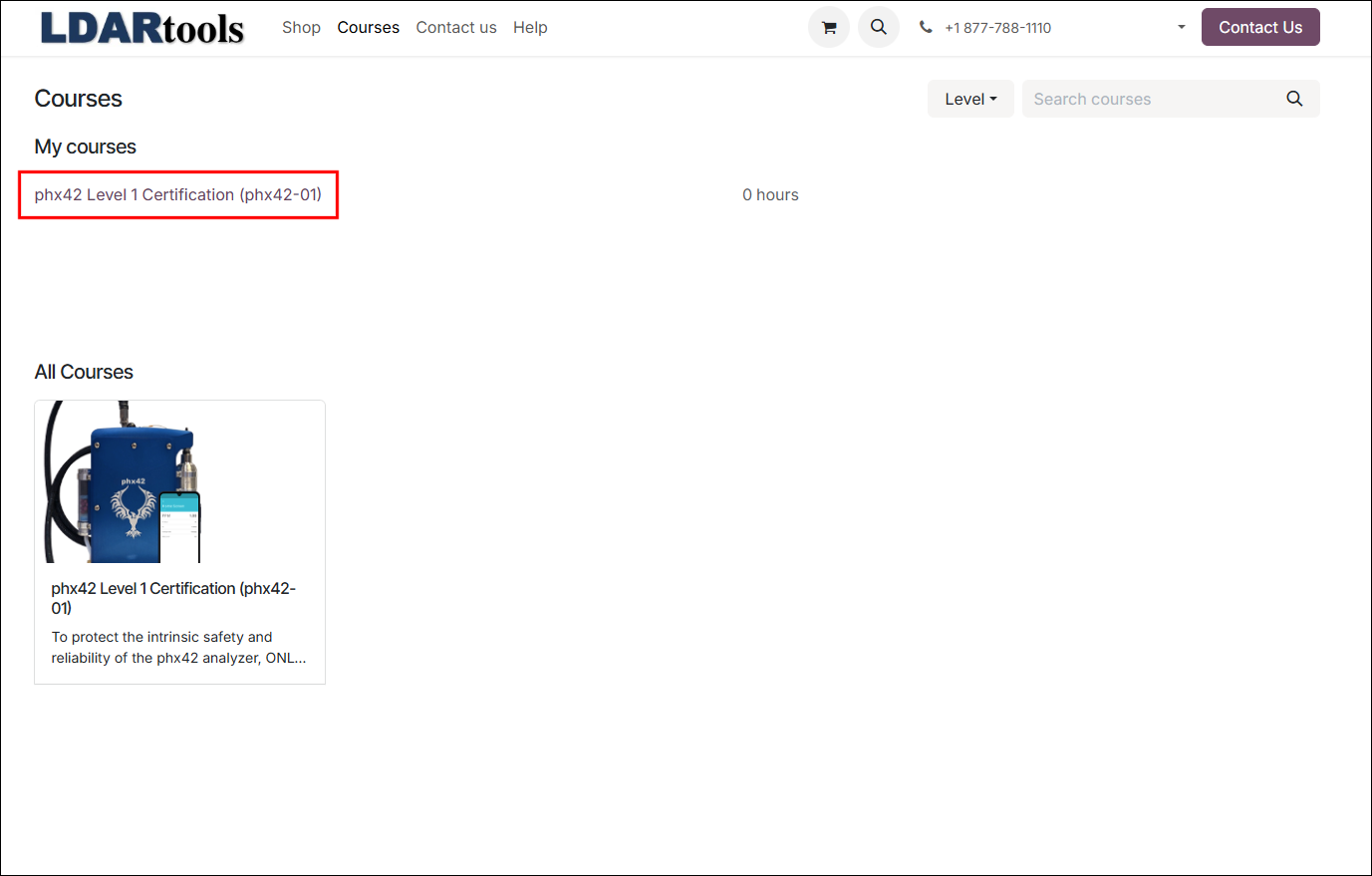
- Select the phx42 Level 1 Certification course link in the My Courses list.
- Follow on-screen instructions to complete the course and assessment.
Note:
- If the system doesn't recognize your email address, see Acquiring Online Training Credentials for additional information.
- In the event you are not automatically enrolled in the appropriate course for recertification, log in and on the Courses screen, click the course needed for enrollment. If already logged in and not on the Courses screen, click Courses at the top of the screen, and then select the course from there.
- LDARtools reviews user access quarterly. Upon review, any user who has not logged in to their account in 6 months will be removed from the system. If your account is deactivated and removed, you will have to create a new one and retake any courses previously completed.