People Terms
Published: 2022-05-23 Revised: 2025-10-10
| Term | Definition |
|---|---|
| All Assigned Personnel | This shows all currently active persons, including folks who are not Technicians. 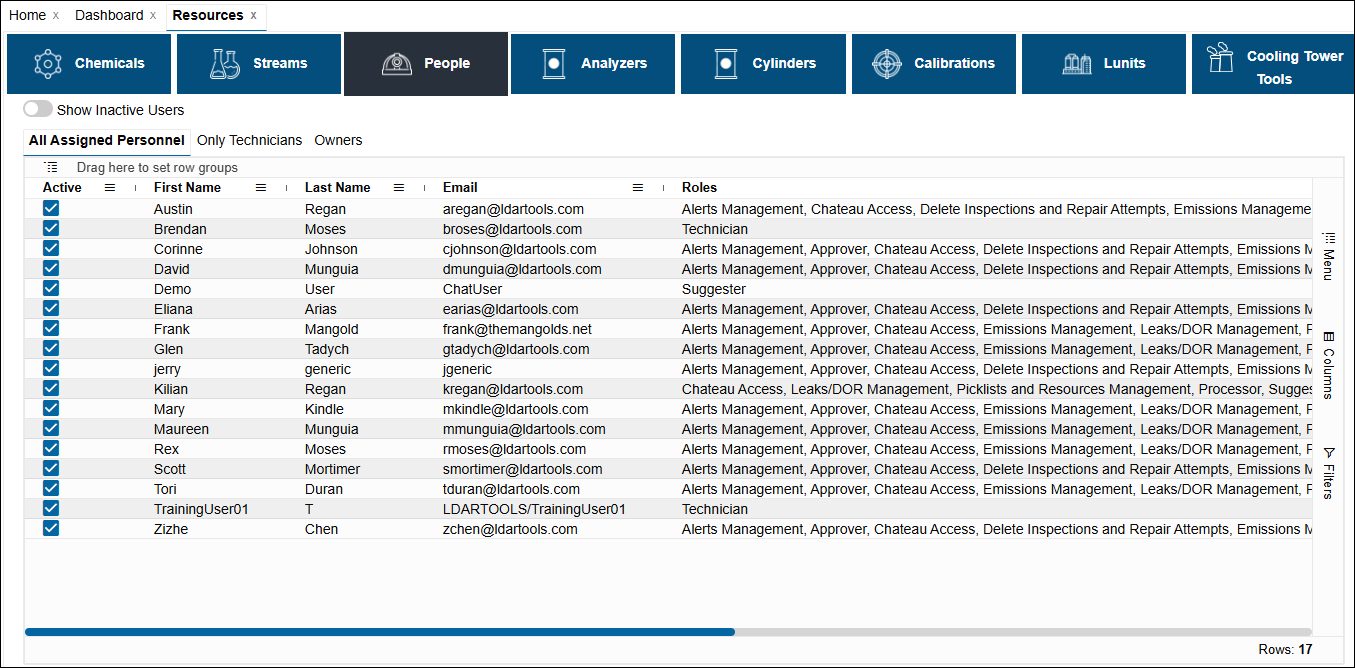 |
| Certifications | See Technician Certifications. |
| Milestone Interval | See Alternate Work Practice Process. |
| Only Technicians | This displays only Technicians. These are the folks who can check data in and out with Chateau Mobile. 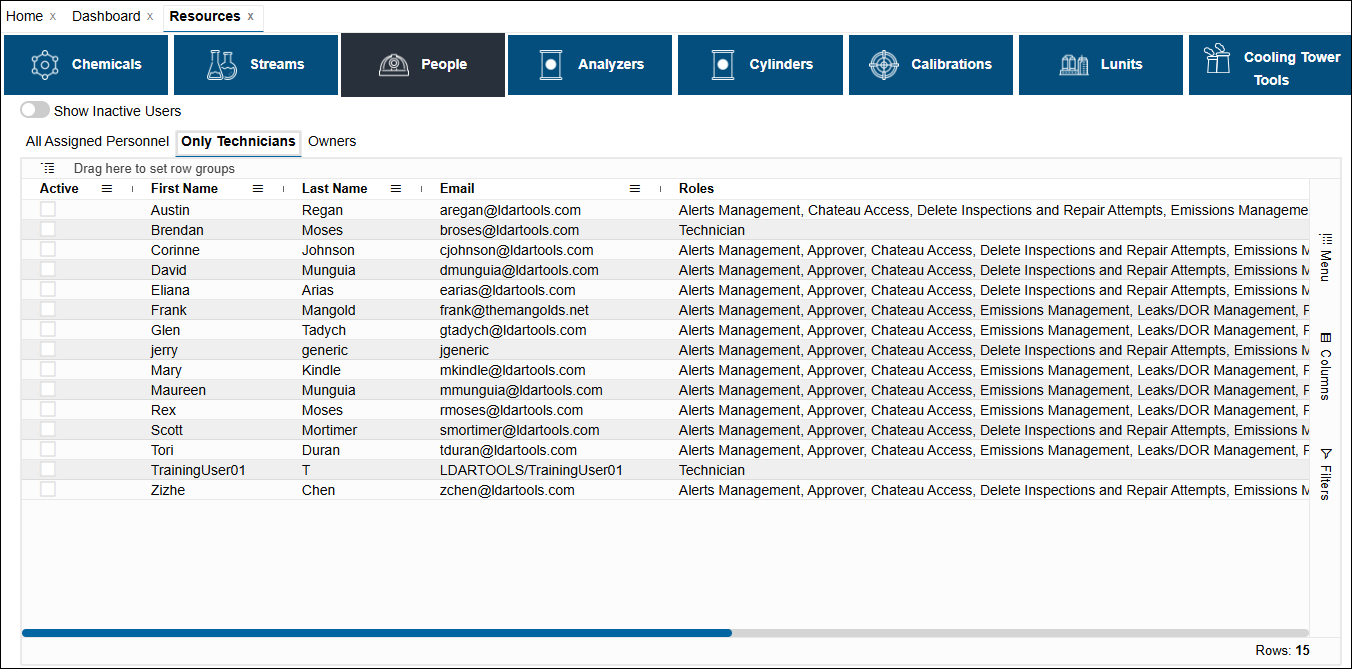 |
| Administrators | A list of the Administrators of this database. Other users can see who to contact for role changes and assigning new users her. |
| Roles | See Chateau Roles. |
| User Info Panel | Clicking People in the grid will open up the User Info panel. You will see the same information available in the grid (Name, Email, Roles and Milestone Interval), plus the certifications. You can edit the Milestone Intervals or the certifications by clicking Edit if you have the Settings and Resource Management role, but the rest of the fields are for information only, they are managed through Majordomo. You can close the User Info panel by clicking the left-pointing arrow on the top. Note: Double-click any person to display the Details box. |