Performing Inspections (Chateau Mobile)
Published: 2026-02-17 Revised: 2026-03-11
Overview
This guide outlines the field workflow for conducting routine Cooling Tower Sample Point inspections and the initial steps to take if a leak is detected.
Step 1: Preparation
- Check Out: Ensure the Cooling Tower Tour containing the Sample Points is checked out to your device.
- Calibrate: Perform a calibration on your analyzer.
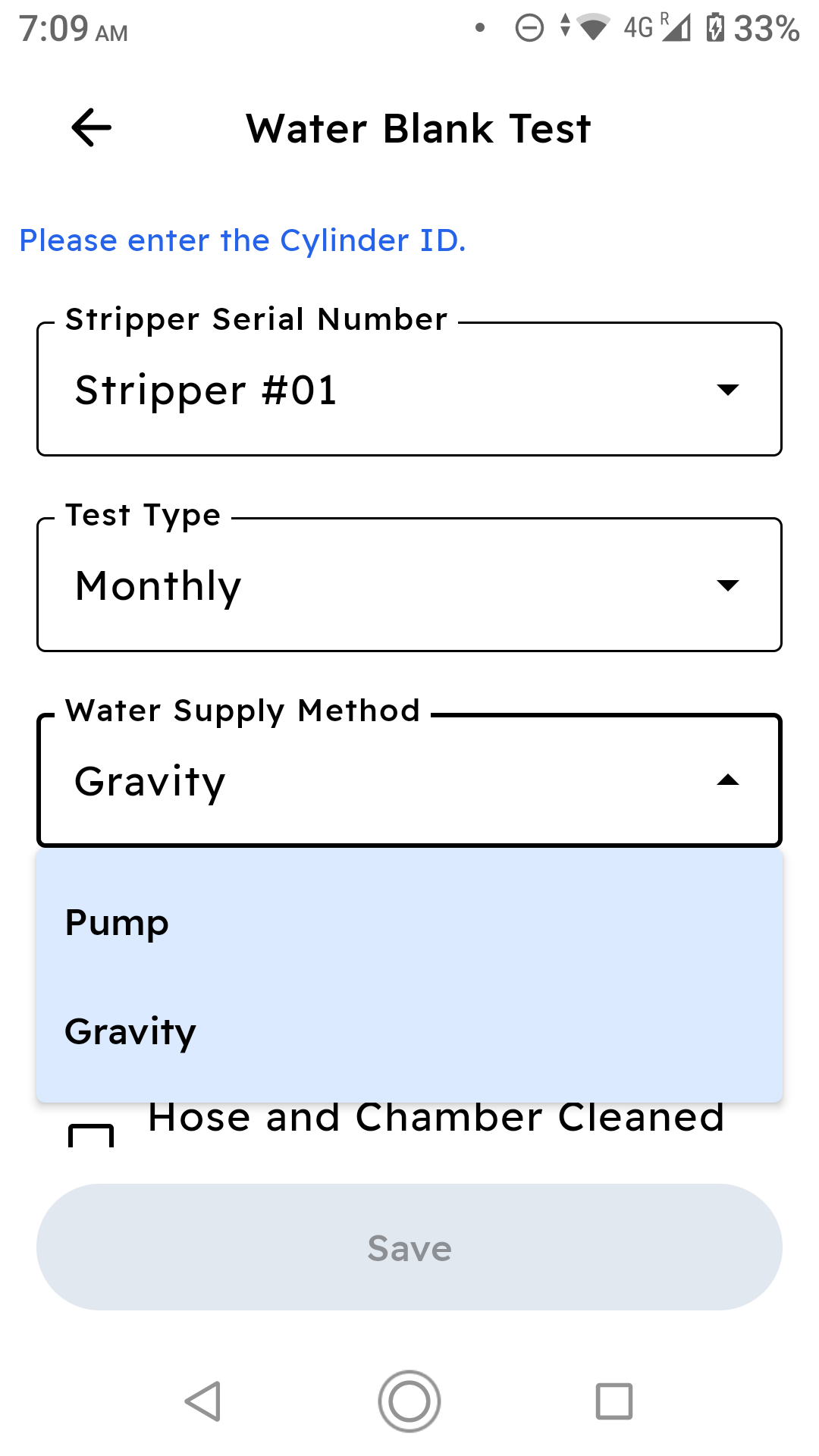
- Water Blank Test:
- Go to Main Menu > Water Blank Test.
- Select the Field Zero Gas Cylinder and record the PPM.
- Tap Save.
Step 2: Sample Point Inspection
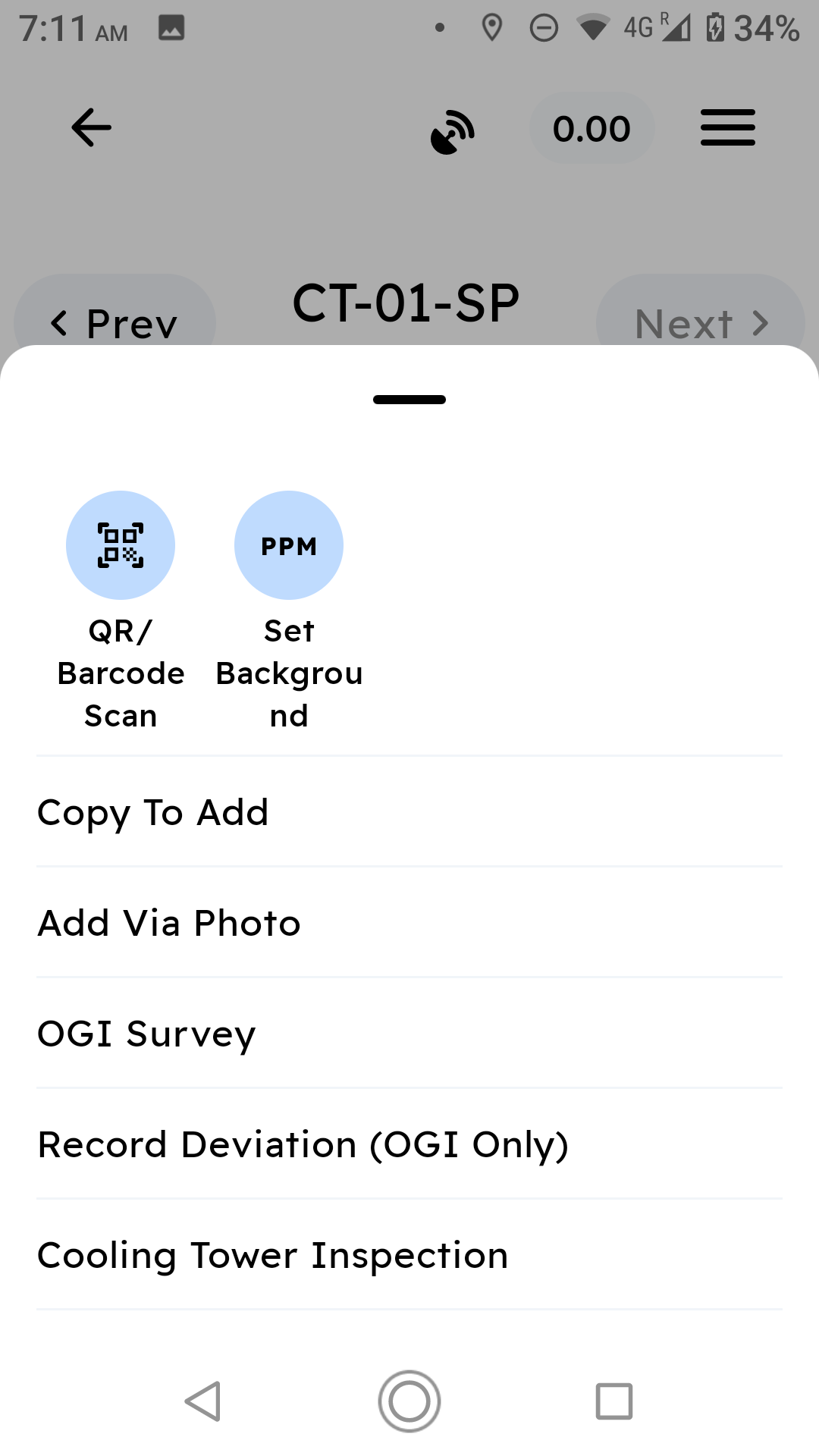
- Go to Tours and open the Cooling Tower Tour.
- Tap a Cooling Tower Sample Point.
- Tap the Action Menu (the 3-dot button in the lower-right corner) and select Cooling Tower Inspection.
- Chateau Mobile will perform several Pre-Inspection checks.
- Drift Check: Perform the Zero Gas Drift Check when prompted. Tap Save.
- Verification:
- Select Serial Numbers for the Stripper, Thermometer, and Rotameters.
- Chateau Mobile automatically validates tool certifications and analyzer calibration.
- Analyzer checks
- The current analyzer has a passing confirmation for Zero, 5 PPM, and 10 PPM gas for today's date.
- The current analyzer has Precision Calibration for the current quarter
- Stripper checks
- The Certification Date is current
- Passing Water Blank
- in Current month, or
- A Recovery in event the PPM was more than 10 times the Leak Definition on the last Cooling Tower inspection performed with this stripper
- Thermometer, AirRotameter, Water Rotameter checks
- The Certification Date is current
- Analyzer checks
- Stabilization: Perform the required 10-minute stabilization check.
- Readings:
- The app initiates a 10-minute countdown.
- Readings are recorded automatically at 2-minute intervals.
- Enter Water Flow, Air Flow, and observe for bubbles (if required).
- Tap Save once the timer completes.
- Perform the mandatory Drift check, if Drift fails then inspection will not be saved.
Step 3: Completing the Routine Tour
Repeat step 2 for all Sample Points in your tour. Once finished, Sync/Check-In your data to Chateau immediately.