Equipment Feature
Published: 2022-05-09 Revised: 2026-02-17
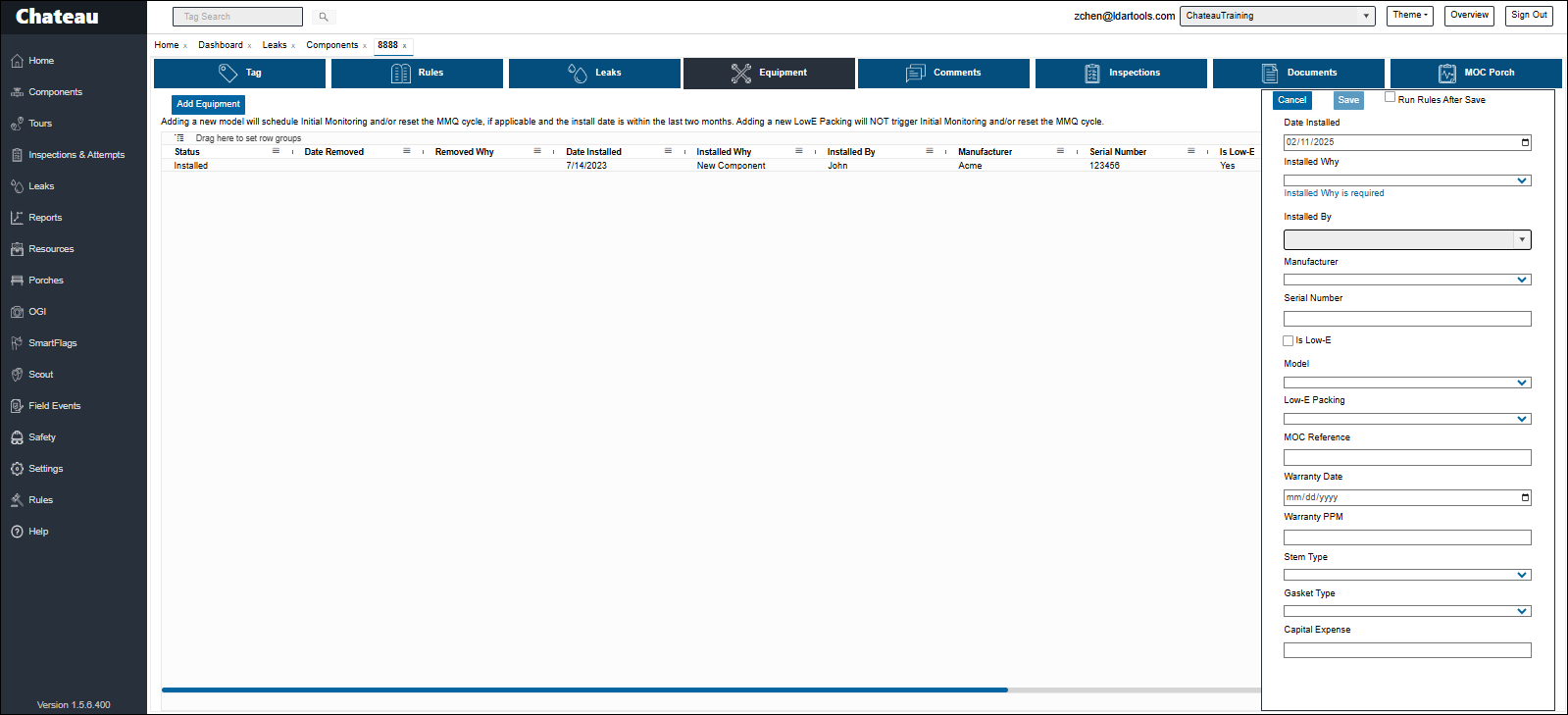
Chateau's Equipment feature does the following:
- Enable you to record the changing pieces of Equipment at a specific Component Site.
- Record which piece of Equipment are LowE Compliant.
- Record a PPM level that would trigger a Warranty Claim (Chateau can be configured to send an email if this happens).
- Automatically triggers Initial Monitoring when a new equipment model is installed (see Scheduling Replacement in Kind).
- Automatically restarts the MMQ cycle when a new equipment model is installed (see Scheduling Replacement in Kind).
Process
- Select the component.
- Open the component.
- Open the Equipment tab.
- Add or Remove Equipment.
- You must first Remove the existing piece of equipment, if there is one.
- Complete the data panel on the right.
- Click Save.
- If you do not see the choices needed in the picklists, contact your supervisor.